Features
Why Teslie
Bring your phone experience to your car screen. Teslie gives you access to your favorite navigation and productivity apps right from your car's display. No cables. No hacks. Just a clean, browser-based connection between your phone and your car.
Seamless Screen Mirroring
Use your favorite navigation apps directly from your car display.
Instant Setup
Connect in seconds via your car's built-in browser.
Privacy-First Design
We collect only what is needed to run the service. See our Privacy Policy for details.
Wide Compatibility
Works with supported phones and vehicles that offer web browser access.
Always Improving
Regular updates keep Teslie running smoothly as in-car software evolves.
How It Works
Download the App
Get Teslie from the App Store and install it on your phone.
Open Teslie in Your Car
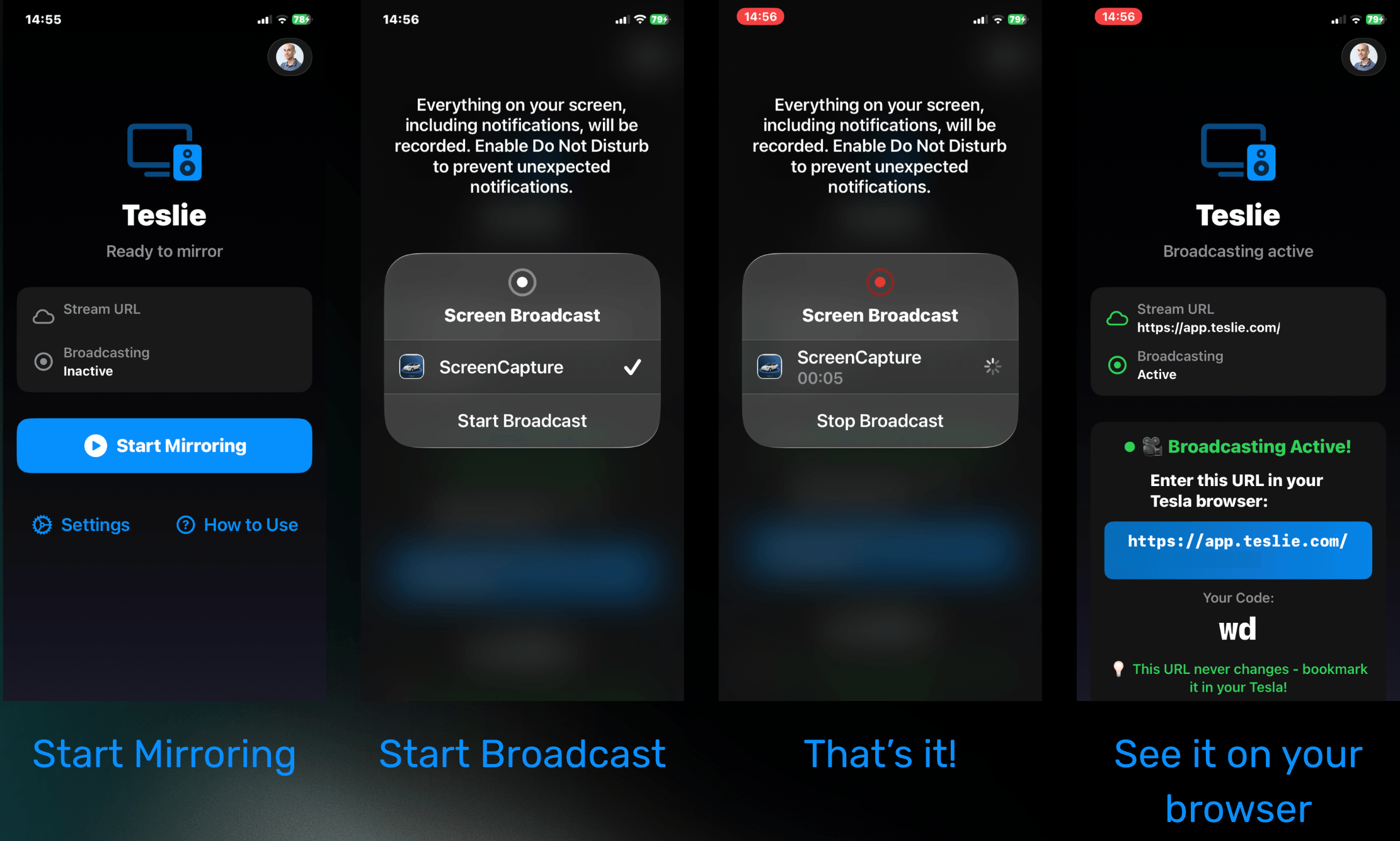
Open the Teslie page in your car's browser to display your connection code.
Scan, Sign In & Mirror
Scan the code with your phone, sign in, and start mirroring in seconds.
Compatibility
Teslie works on supported phones and in vehicles with a built-in web browser. Performance depends on cellular or Wi-Fi connectivity. See the App Store listing for current system requirements.
Easy & Fast